The Problem: Wasted Time
Weak connectivity interrupts tasks, causing delays and leaving workers waiting instead of working.
Almasons GiNi® Smart Connect
Free your warehouse teams from Wi-Fi dependency with GiNi Smart Connect. Operate seamlessly with offline workflows that keep work moving anywhere and sync with your ERP and WMS when reconnected.
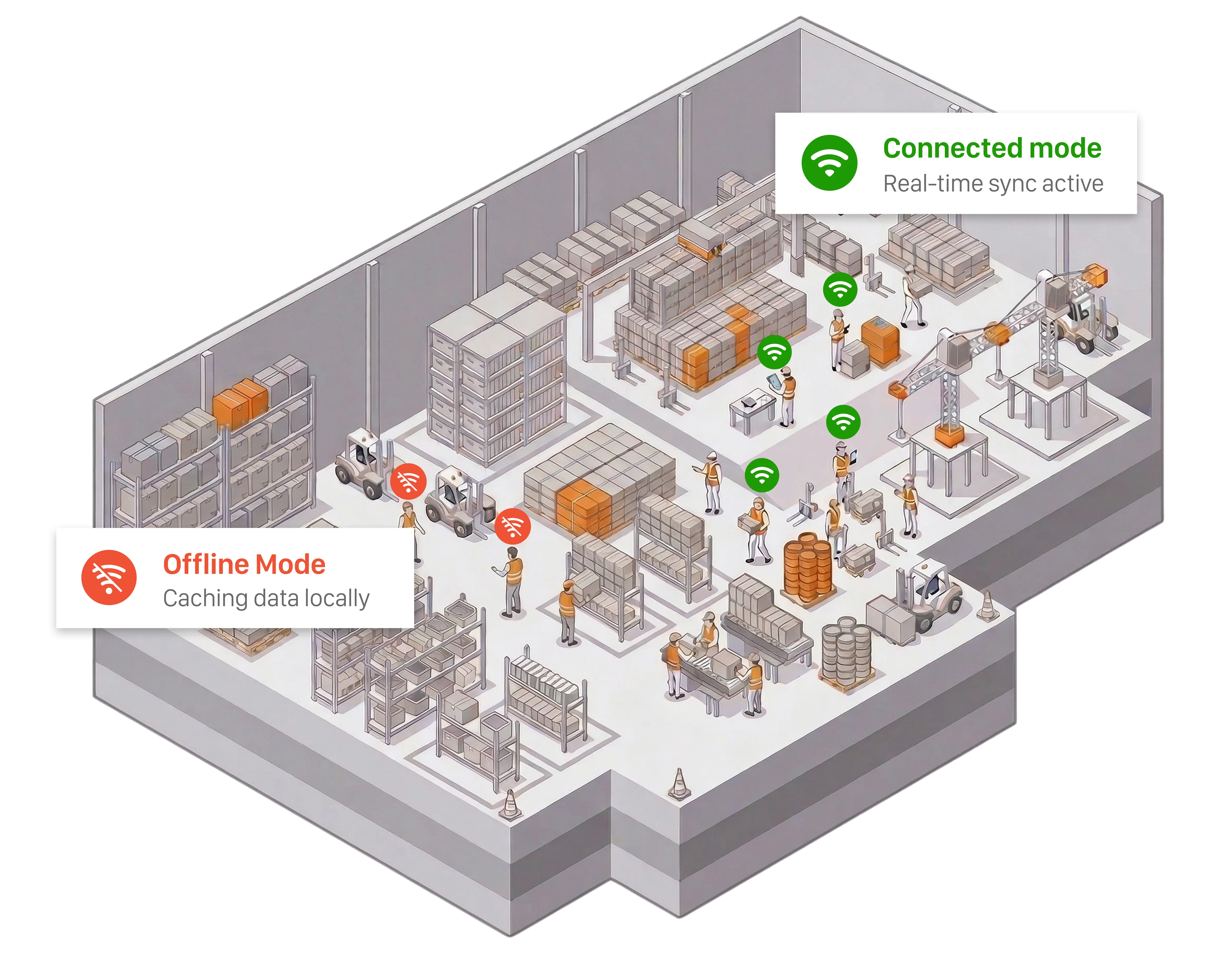
Traditional warehouse systems fail when connectivity drops, disrupting operations and slowing productivity. GiNi Smart Connect keeps workflows running seamlessly, ensuring work continues without interruptions.
Weak connectivity interrupts tasks, causing delays and leaving workers waiting instead of working.
Network-dependent systems need frequent upgrades and extra access points, increasing infrastructure costs to keep operations running.

Unreliable connectivity leads to missed updates and reduced visibility, making it hard to identify what’s causing delays.

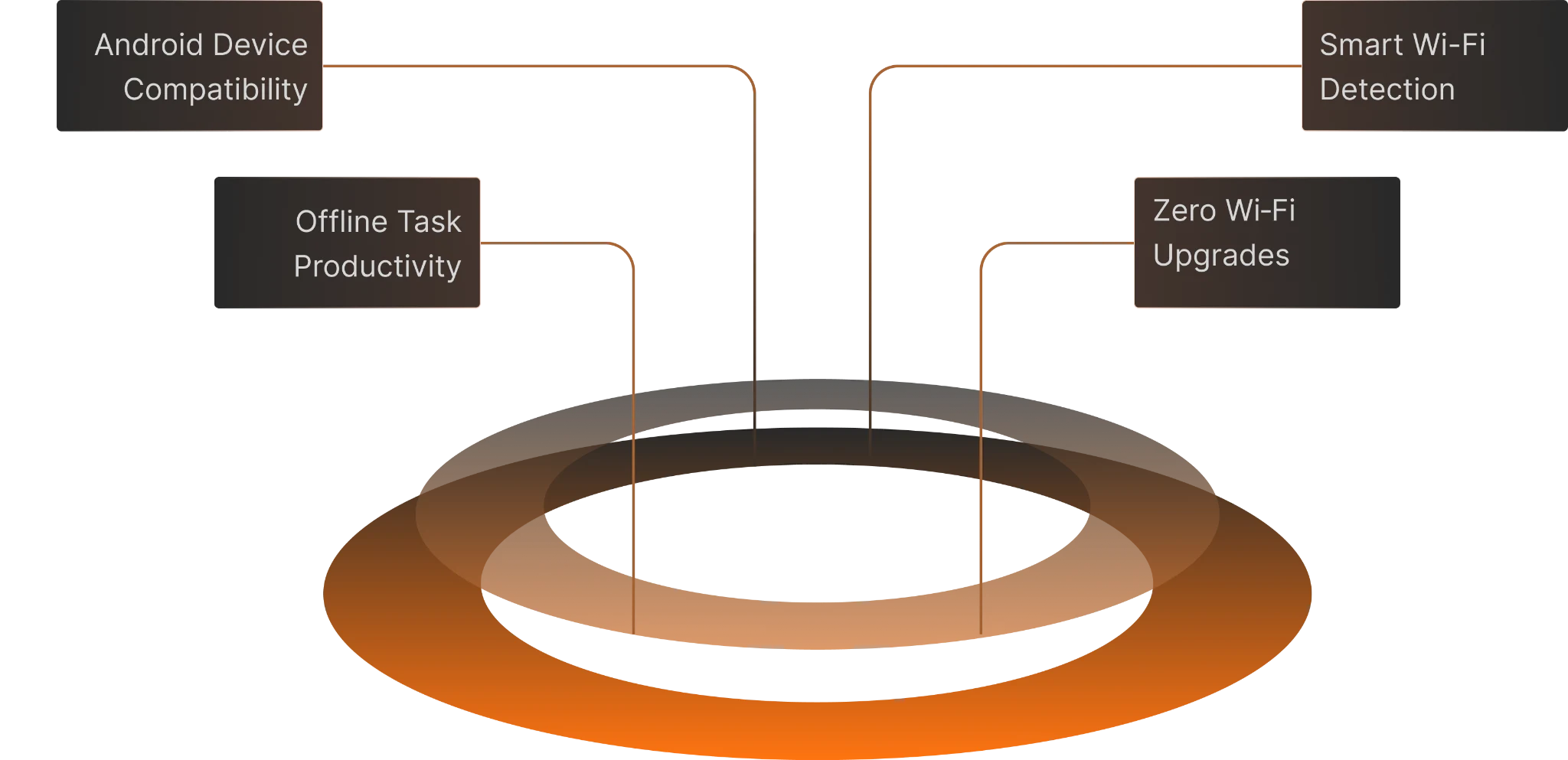
Our GiNi Smart Connect feature keeps workflows running even when temporarily disconnected. Work is captured offline and synced automatically with ERP and WMS once connectivity is restored.
See how GiNi Smart Connect keeps operations running smoothly, with offline caching and automatic syncing
Workers use the GiNi app to continue tasks without disruption, ensuring operations stay smooth even without Wi-Fi.
Every scan, confirmation, and data entry is cached locally on the device, ensuring no data is lost while work continues uninterrupted and productivity stays on track.
When connectivity returns, GiNi Smart Connect automatically synchronizes all cached data with your backend ERP and WMS systems ensuring continuity and no loss of information.
GiNi Smart Connect ensures every warehouse workflow keeps running regardless of network conditions.
Common Questions About GiNi Smart Connect

Drive higher throughput, accuracy, and safety with Almasons. Give us 30 minutes and we will explain how to achieve up to 30% improvements in as little as 30 days