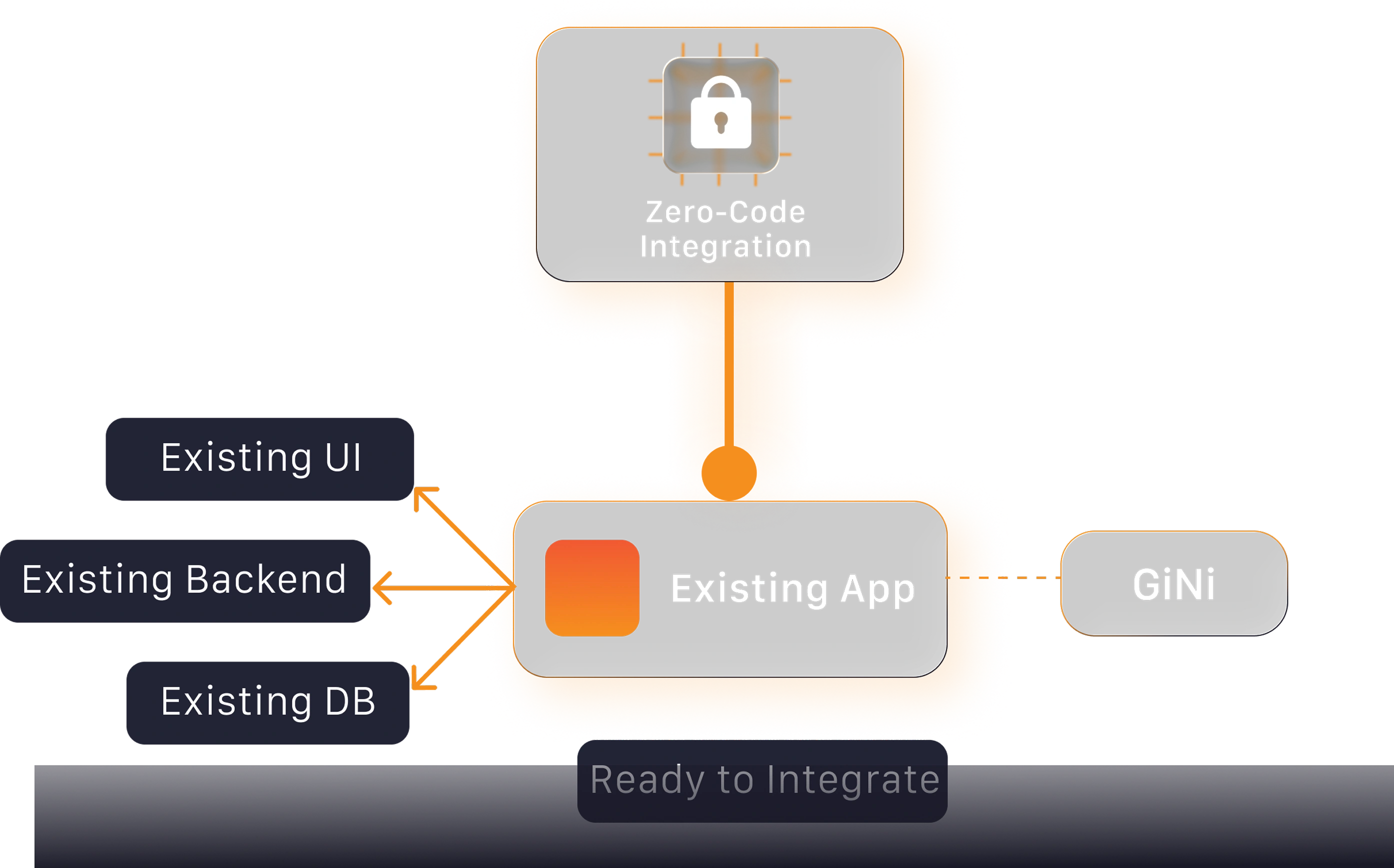
No Code Changes Required
Integrate GiNi Voice Development Kit into your existing application without modifying your backend, UI, or architecture for a smooth, low-risk implementation.
Almasons GiNi® Voice Development Kit
Convert your applications into voice-enabled systems with just a few lines of code using Almasons GiNi® Voice Development Kit. Enable faster execution, hands-free workflows, and improved productivity without backend changes.
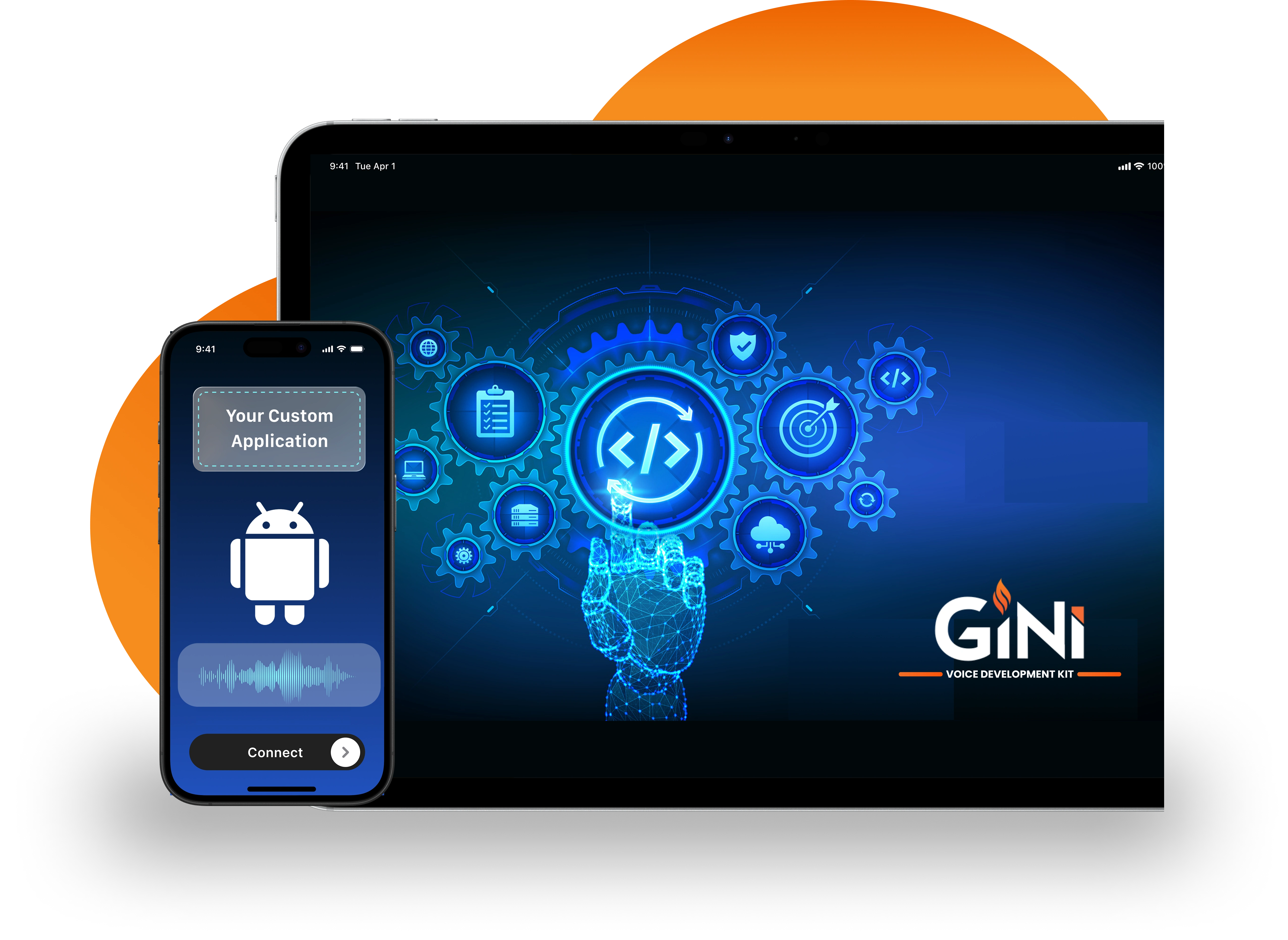
Unlock efficiency with GiNi Voice Development Kit, delivering intuitive voice control that reduces manual effort, simplifies task execution, and helps teams work with greater confidence.
Integrate GiNi Voice Development Kit into your existing application without modifying your backend, UI, or architecture for a smooth, low-risk implementation.
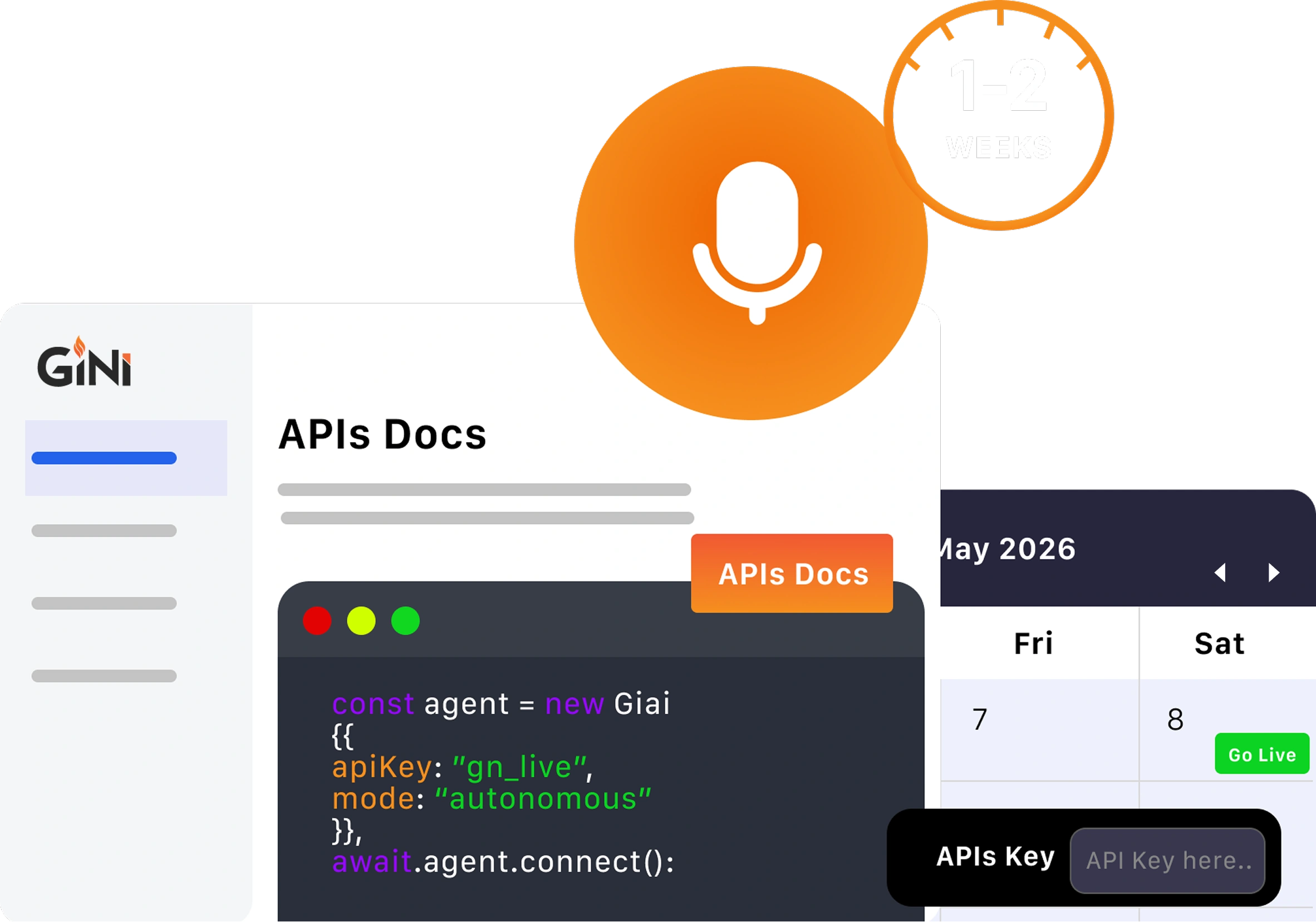
Add voice capabilities in just 1–2 weeks using a developer-friendly API and clear documentation.
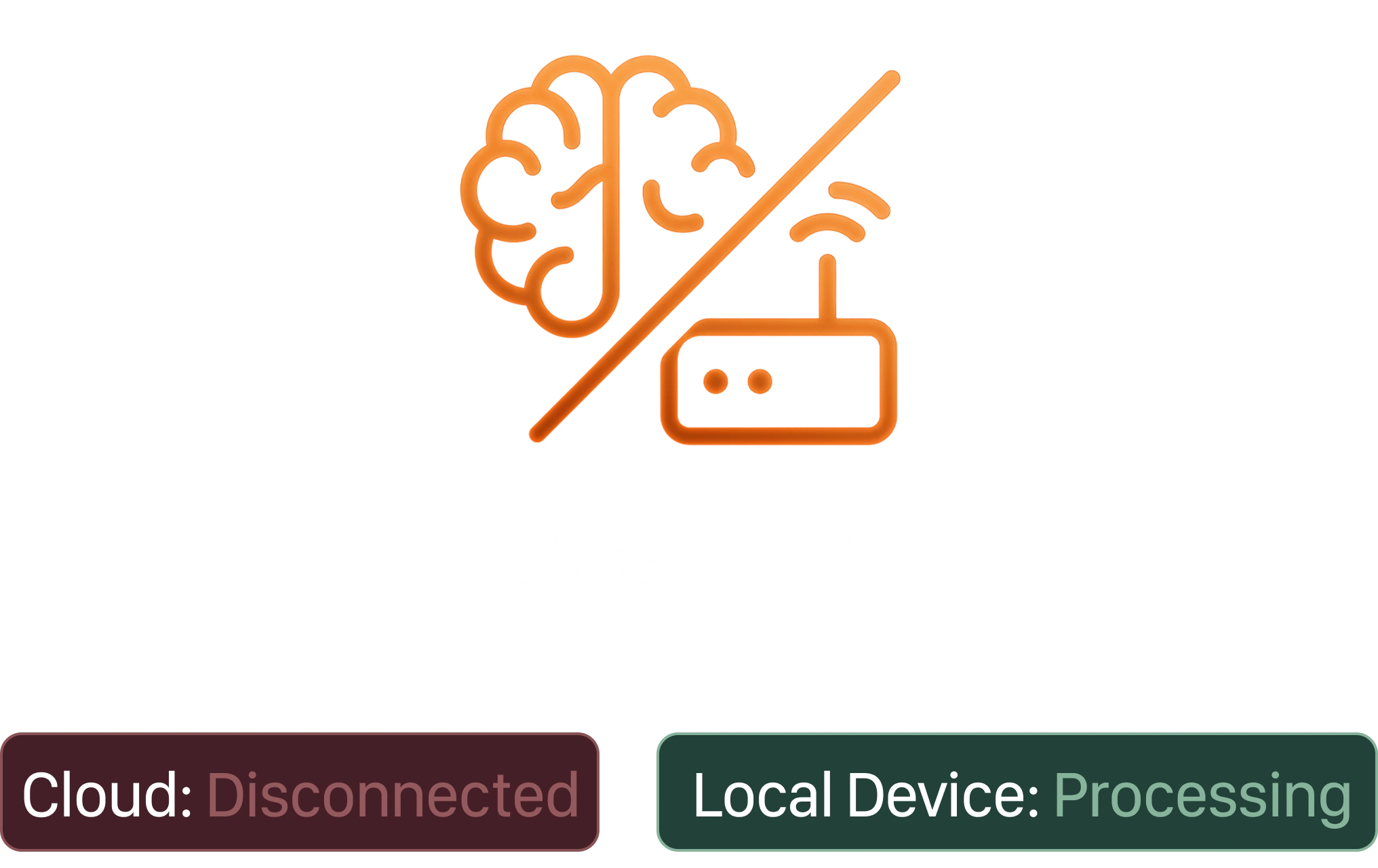
Process voice commands on-device with no internet dependency, eliminating latency and cloud costs.
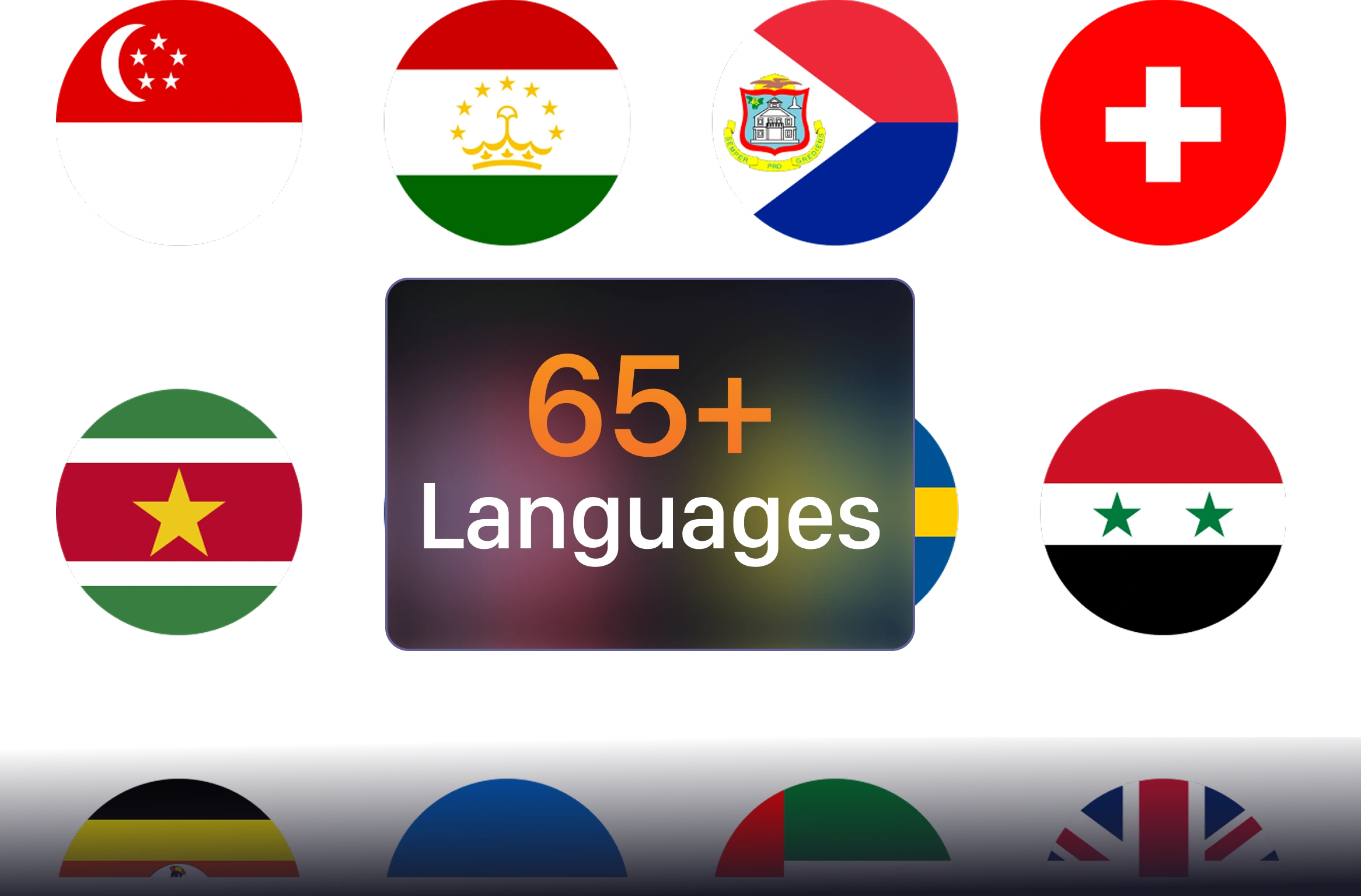
Support 65+ languages and dialects, enabling teams to work in their preferred language from day one.
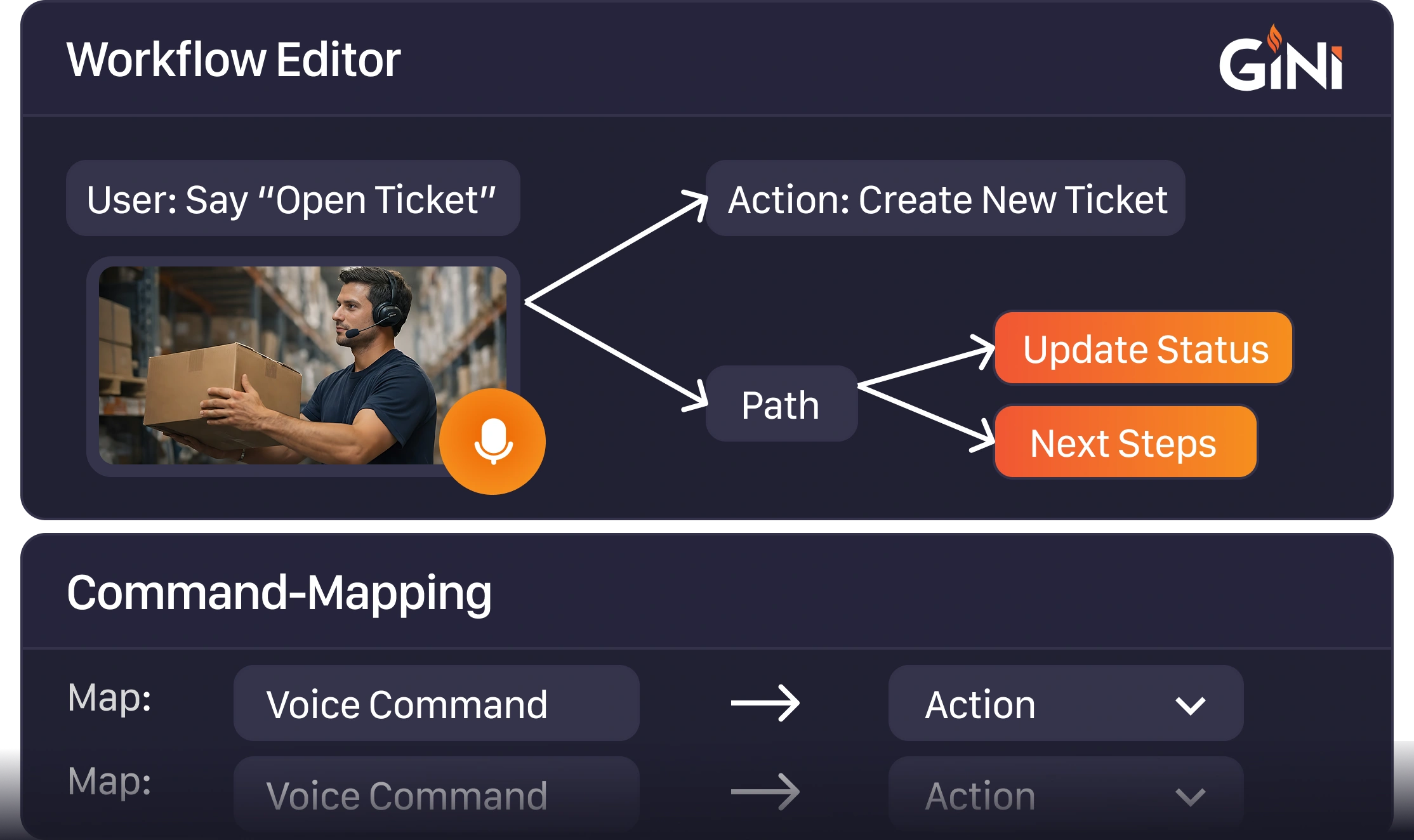
Configure voice commands based on your business processes for flexible, workflow-driven interactions.
From seamless integration to hands-free task execution, explore why teams choose GiNi Voice Development Kit to add voice and reduce manual effort without changing existing systems.

Integrate voice into existing applications with minimal effort, without altering backend systems or workflows, while enabling natural voice-based interaction within current setups.

Enable users to perform tasks through voice commands, reducing manual steps and allowing faster, more intuitive interaction while improving speed, accuracy, and efficiency.

Accelerate task completion and reduce manual dependency, allowing teams to accomplish more in less time with improved operational efficiency.
Minimize unnecessary screen interactions by enabling smoother task execution, helping save seconds on every action that adds up to significant productivity gains over time.

Delivers device-agnostic support across Android applications on Android 9.0 and above, ensuring smooth performance across modern devices without compatibility issues.

Common Questions About GiNi VDK
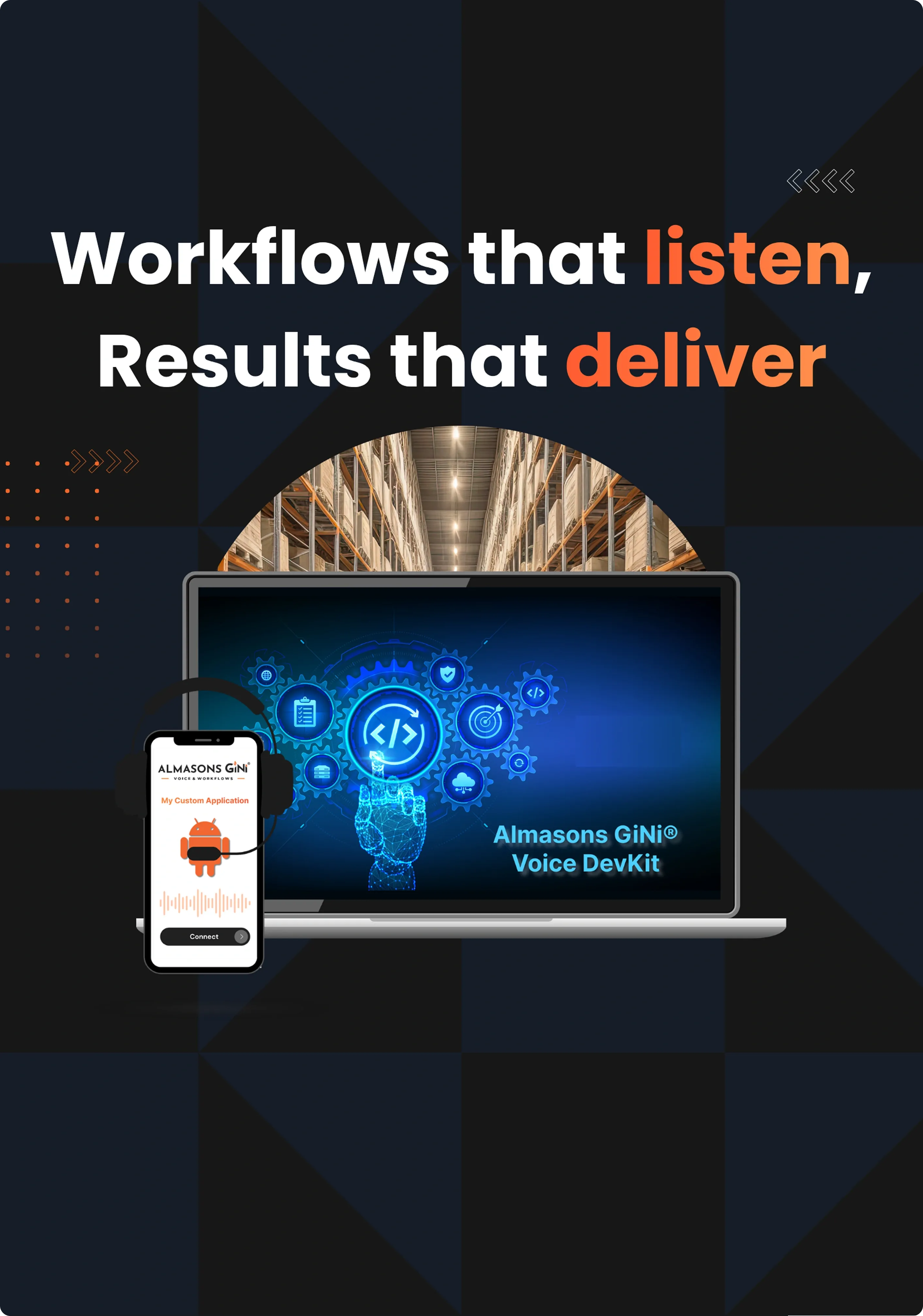
Drive higher throughput, accuracy, and safety with Almasons. Give us 30 minutes and we will explain how to achieve up to 30% improvements in as little as 30 days